
Why MusicWall?
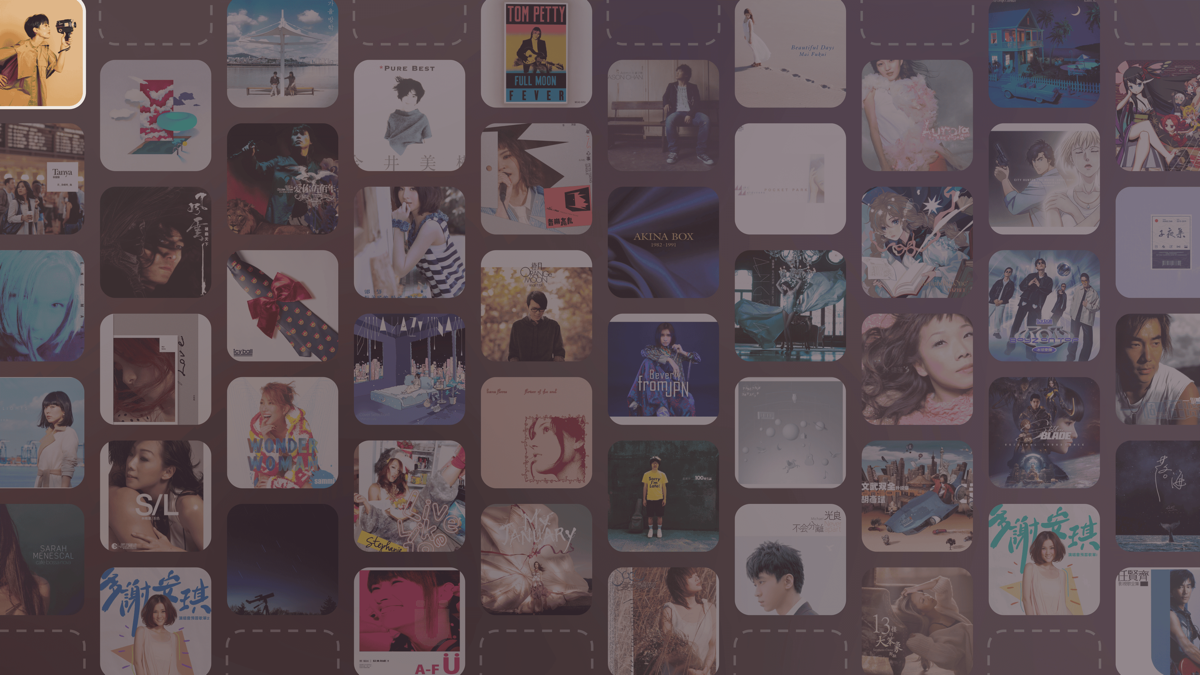
Your wallpaper usually has nothing to do with what you are listening to. MusicWall makes the desktop part of the playback: every track you play in Apple Music takes a place on the wall, and the wallpaper is redrawn as the music moves on.
Each new track claims a random empty slot. The track that is playing sits at full brightness with a white outline; everything you played before fades back over a soft tint of the current cover. When the wall runs out of room, the oldest cover makes way. Over a listening session, the wall becomes a record of that session.
Nothing leaves your Mac. The app reads the current track and its artwork from Music, renders the wallpaper locally, and works entirely offline.
System Requirements
- macOS: 26.3 or later, Apple silicon
- Apple Music: the Music app that ships with macOS; a one-time automation permission on first launch
Features
- Live Wall: Each track you play takes a random empty slot. The current track is highlighted; earlier tracks fade into the background.
- Background From the Current Cover: The wall sits on a soft, blurred tint of the album that is playing, so the mood of the desktop shifts with each song.
- Adjustable Density: Set the wall to 3–8 covers per column.
- Multiple Displays: Apply the wall to every screen, or pick specific ones. Hot-plugging and resolution changes are handled.
- Pause Options: When playback pauses, keep the wall as it is or restore your previous wallpaper.
- Full Restore: Stopping or quitting puts the wallpapers you had before back in place, including video wallpapers.
- Private by Design: No network requests, no analytics. Everything is rendered locally from your own library.
- 100% Free: No subscriptions, no ads.
Installation
- Download the latest
MusicWall.dmg. - Drag
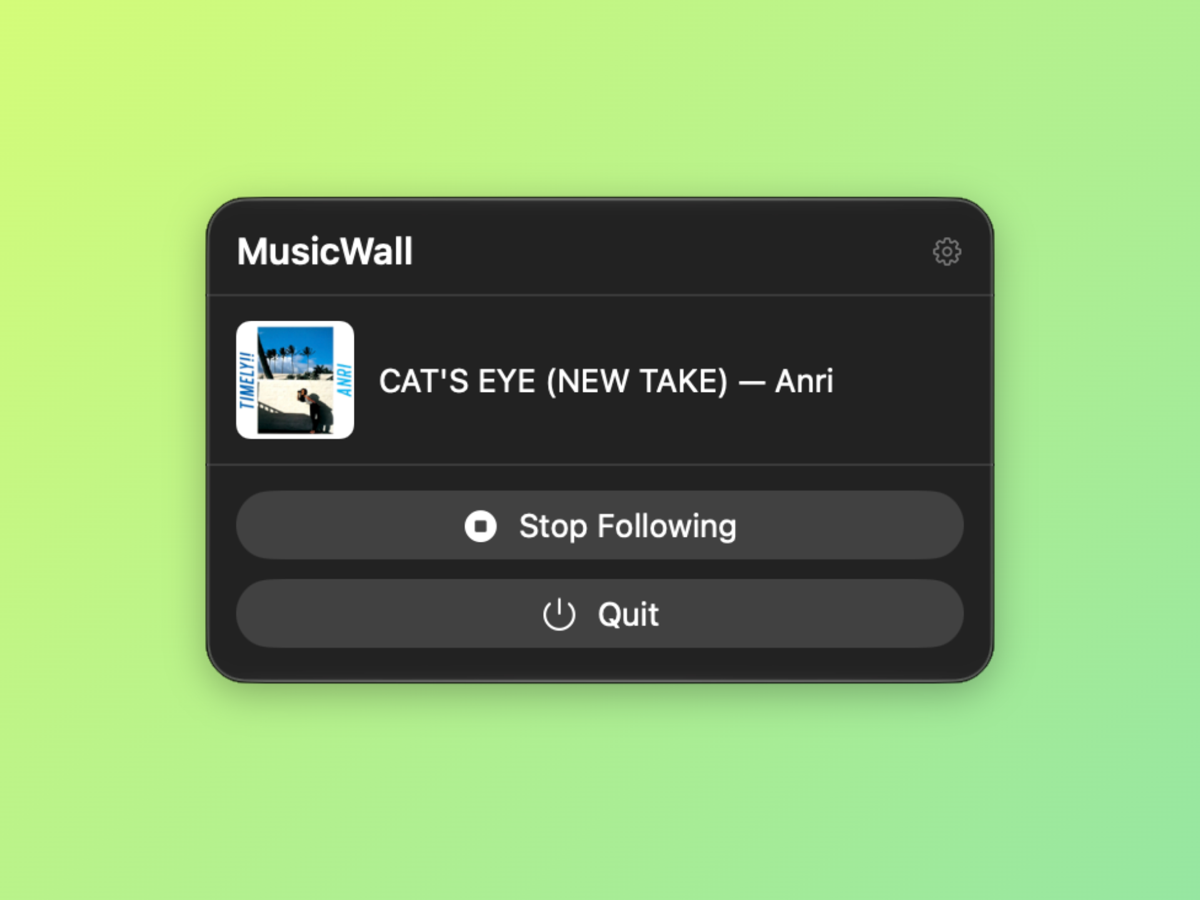
MusicWall.appto yourApplicationsfolder. - Launch it from the menu bar and grant the automation permission when asked.
Support the Project
MusicWall is completely free. If it makes your desktop worth a second look while you listen, consider supporting its development: