Why DisplayORZ?
Unlike Windows (which offers a quick Win + P toggle), macOS lacks a native way to turn off output to a single display when multiple monitors are connected. The system only provides "Extended Display" or "Mirror Display".
Simply dimming a display's brightness to zero leaves it active in macOS: your mouse cursor will still drift into the black screen, and windows will remain hidden in the invisible space.
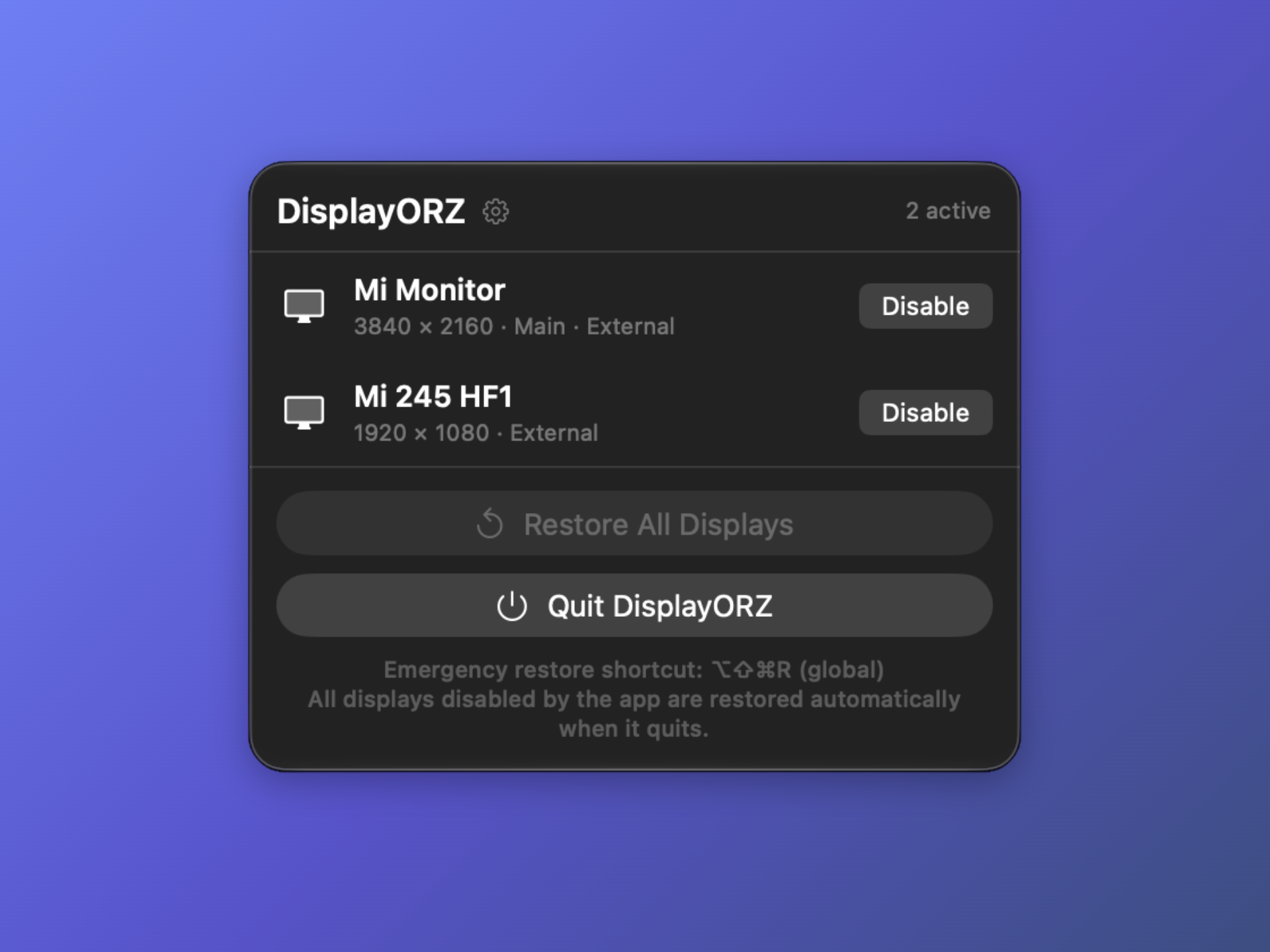
DisplayORZ solves this by using low-level display management APIs to soft-disconnect target monitors. The display immediately goes into standby mode, and macOS automatically relocates all windows back to your active screen.
System Requirements
- macOS: 26.3 or later, Apple silicon
Features
- One-Click Toggle: Software-disable or re-enable specific external displays directly from the menu bar.
- No Stray Cursors: Disabling a monitor removes it entirely from your macOS workspace—no mouse drift or lost windows.
- Built-in Safety: Prevents accidental lockouts by blocking the disabling of your sole active display or built-in screen.
- Native & Lightweight: Built with Swift and SwiftUI. Minimal memory footprint with zero background CPU overhead.
- 100% Free: No subscriptions, no ads, and no telemetry.
Installation
- Download the latest
DisplayORZ.dmg. - Drag
DisplayORZ.appto yourApplicationsfolder. - Launch the app from the menu bar.
Support the Project
DisplayORZ is completely free. If it saves you from the hassle of constantly pulling cables, consider supporting its development: